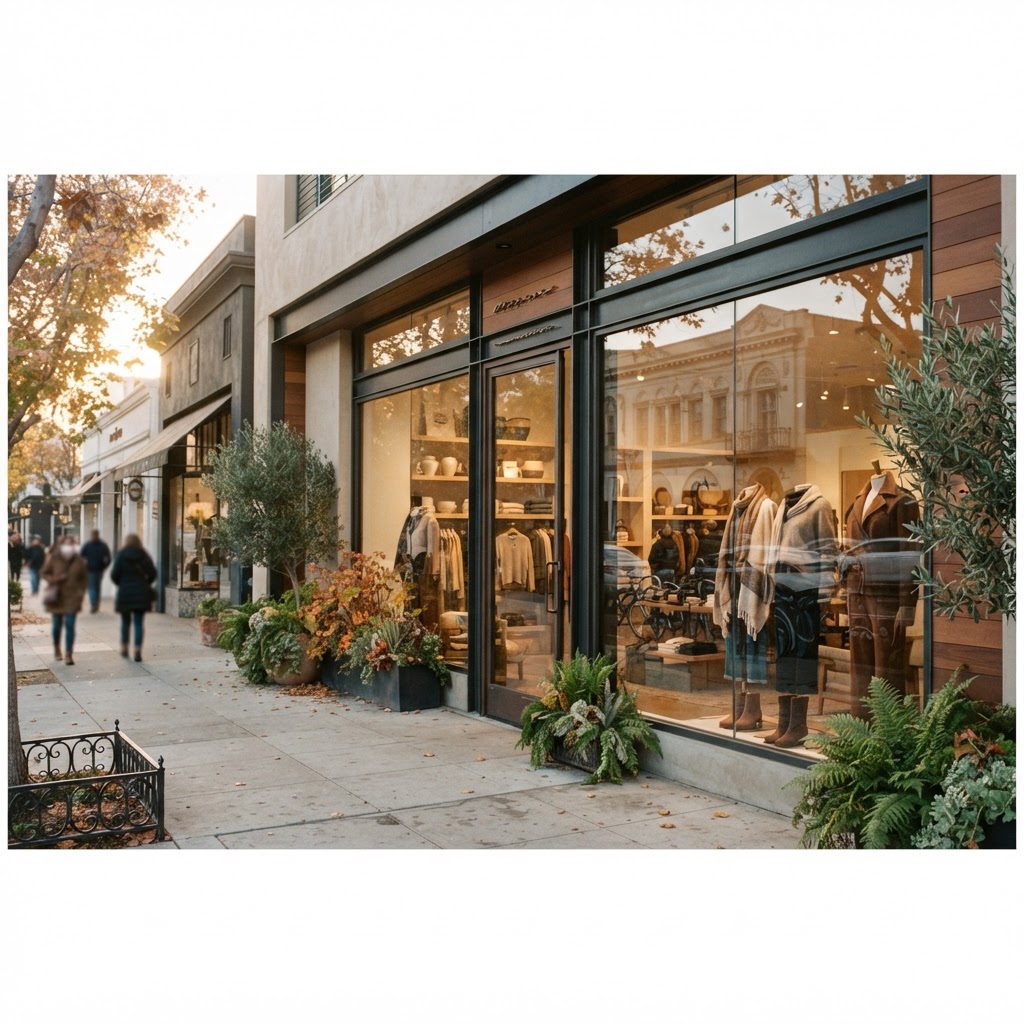
A Stadium Town With Two Different Shopping Rhythms
A shoe resale shop near Market Street in Downtown Inglewood sees its best weeks tied to SoFi Stadium events and Hollywood Park concerts. A home goods seller working out of a small warehouse near Century Boulevard runs on a completely different rhythm — steady weekday orders from people furnishing apartments near the Crenshaw/LAX corridor. Both are Inglewood businesses. Both need an online store. Neither needs the same website.
That's the starting point for e-commerce in this city. Inglewood isn't a single retail pattern — it's a mix of event-driven foot traffic around the stadium district, longtime neighborhood commerce along La Brea Avenue and Prairie, and a growing number of makers and resellers who never had a physical storefront to begin with. A site built for one of these situations will frustrate the owner running the other.
Picking a Platform Without Overpaying for Features You Won't Use
Most small and mid-size Inglewood sellers end up choosing between three tiers, and the right one depends on how much control you need versus how much time you have to manage it.
- Hosted platforms (Shopify, BigCommerce, Squarespace Commerce) work well for a single owner-operator who wants to list products, accept payment, and not think about servers. Monthly fees run roughly $30 to $300 depending on the plan and transaction volume.
- WordPress with WooCommerce suits sellers who already have a WordPress site, want finer control over design, or sell a mix of products and content (recipes, size guides, local pickup info). It needs more maintenance but costs less in ongoing software fees.
- Custom-built storefronts make sense only once you're doing enough volume that off-the-shelf checkout, shipping rules, or inventory sync genuinely can't keep up. Few businesses in Inglewood are at that stage yet, and jumping there early usually means paying for complexity you don't need.
The decision framework is simple: if your catalog is under a few hundred SKUs and you don't need custom logic (local delivery zones, event-based pricing, wholesale tiers), a hosted platform will get you selling faster and cheaper. If you need that logic, WooCommerce or a similar flexible system earns its extra setup time.
Payment Processing: What Actually Matters Locally
Card processing rates are fairly standardized across providers (commonly 2.6% to 3.5% per transaction plus a small flat fee), so the bigger question for Inglewood sellers isn't which processor charges less — it's which payment methods your actual customers expect. If a chunk of your buyers are picking up orders in person near Market Street or a pop-up near the Forum, you want a system that handles both online card payment and in-person tap-to-pay or cash-on-pickup without creating two separate inventory records. Apple Pay and Google Pay matter more here than they might in a market with an older average shopper age, given the amount of mobile traffic coming from people checking their phones between events at SoFi Stadium or Kia Forum.
Designing for the Event-Driven Traffic Spike
If your store sells anything connected to sports, concerts, or local pride — apparel, accessories, novelty items — event nights create short, intense traffic spikes rather than steady daily growth. A site that works fine on a normal Tuesday can buckle, slow down, or confuse buyers when a thousand people check it in the two hours before kickoff.
Practical steps that help:
- Use a platform or hosting plan that scales automatically rather than one with a fixed server you'd need to manually upgrade.
- Keep checkout to as few steps as possible — event-night buyers are often on their phones with one hand free.
- Cache product pages so they load fast even when many people hit them at once.
- Have a plan for "sold out" states that doesn't just show a broken page — a waitlist or restock notice keeps the sale from being a dead end.
Mobile Experience Isn't Optional Here
Given the stadium-district foot traffic and the number of shoppers browsing on transit or rideshare between Inglewood and LAX, a store that's merely "responsive" isn't enough. Test your actual checkout flow on a mid-range Android phone with a spotty connection, not just a new iPhone on office WiFi. Form fields that are too small, address autofill that doesn't work, or a payment button buried below the fold are the kind of small frictions that cost real sales during exactly the traffic spikes you're hoping to capture.
Local Pickup and Delivery Logic
A meaningful share of Inglewood online orders end up being picked up locally rather than shipped — from a shop near Prairie Avenue, from a home-based seller near Century, or from a market stall that also takes online pre-orders. Your e-commerce platform should let you offer "local pickup" as a shipping option without forcing every customer through a generic shipping calculator that doesn't apply to them. This is a setup detail that's easy to overlook and genuinely improves conversion once it's in place, because it removes a cost and a wait time that doesn't need to exist for nearby buyers.
Inventory and the Danger of Overselling
Sellers who split inventory between a physical spot and an online store run into one recurring problem: selling the same item twice. If your point-of-sale system and your website don't talk to each other automatically, someone will eventually buy online an item that already sold in person an hour earlier. For low-volume sellers this might mean checking inventory manually once a day. For anyone doing steady volume, it's worth paying for a platform or plugin that syncs stock in both directions in real time.
Conversion Details That Actually Move the Needle
Beyond the platform and payment mechanics, a handful of page-level details consistently affect whether a visitor buys:
- Product photos shot in consistent lighting, ideally against a plain background, rather than mixed phone photos from different days.
- Shipping costs and local pickup options shown before checkout, not as a surprise on the last screen.
- Return policy stated in plain language on the product page itself, not buried in a footer link.
- Real stock counts ("3 left") only shown when they're accurate — a fake-urgency counter that resets erodes trust fast with repeat local customers who notice.
Mistakes Specific to Local Online Retail
A few patterns show up again and again with Inglewood e-commerce builds:
- Launching a store with no plan for local pickup, forcing every nearby customer to pay shipping on an order they could have walked in for.
- Copying product descriptions directly from a manufacturer's site, which can hurt how the page performs in search and reads as generic to buyers who've seen the same text elsewhere.
- Ignoring event calendars for the stadium district when planning promotions, missing the natural spikes in interest tied to game days or concerts.
- Treating the online store as a one-time project instead of budgeting time each month for product updates, inventory accuracy, and fixing broken links or expired promo codes.
What a Realistic Build Costs
Pricing varies widely based on catalog size and feature needs, but as a general range: a straightforward hosted-platform store with a handful of product categories and standard payment setup typically runs $2,500 to $6,000 for design and build. A WooCommerce build with custom shipping logic, local pickup scheduling, or inventory sync tends to fall between $5,000 and $12,000. Larger catalogs, wholesale portals, or custom checkout logic push beyond that range. Ongoing costs — hosting, platform fees, and ordinary maintenance — usually add $50 to $300 a month depending on the platform chosen.
Talk Through Your Specific Setup
Every one of the patterns above plays out differently depending on whether you're running a stadium-adjacent apparel shop, a neighborhood goods store, or a home-based seller shipping across the region. If you want to talk through which platform, payment setup, and pickup logic actually fits your business, call (818) 753-9018. It's a conversation, not a pitch — bring your current setup and we'll figure out what's worth changing.